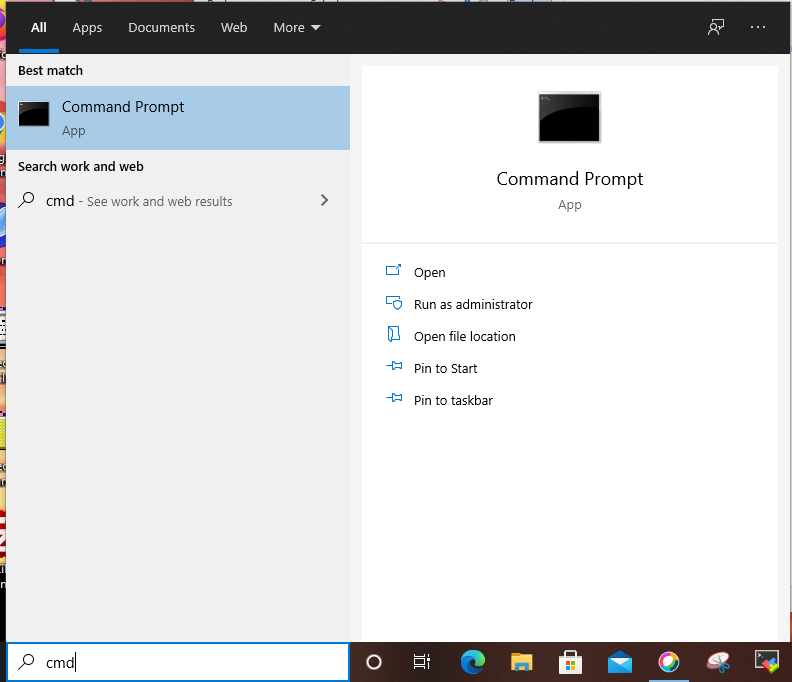
 After typing cmd in the Type here to search input panel.
Click the Command Prompt Image in the upper right.
A Terminal Window will open...
After typing cmd in the Type here to search input panel.
Click the Command Prompt Image in the upper right.
A Terminal Window will open...
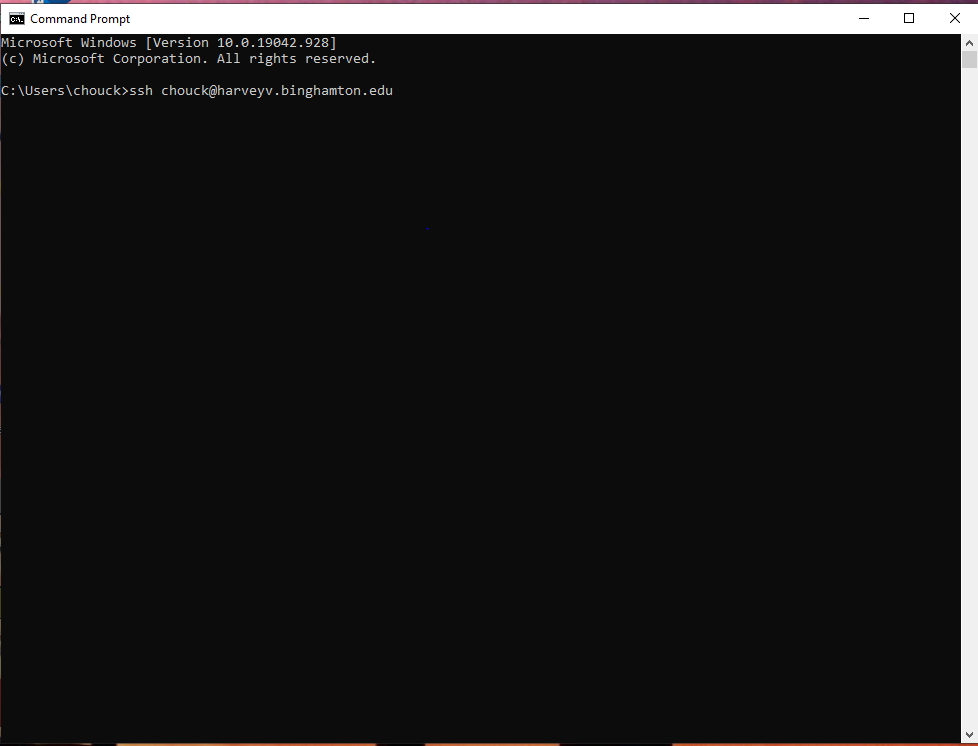 Replace chouck with your userid|username.
ssh <username>@harveyv.binghamton.edu
Replace chouck with your userid|username.
ssh <username>@harveyv.binghamton.edu
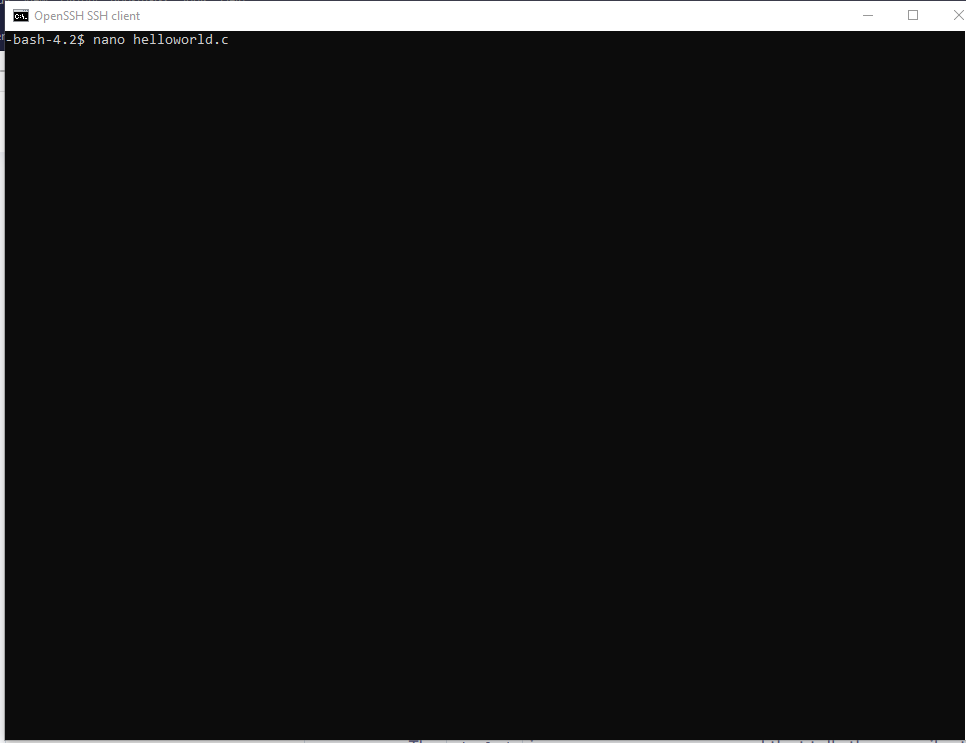 This is a text only environment,
one you will often find in the LINUX world.
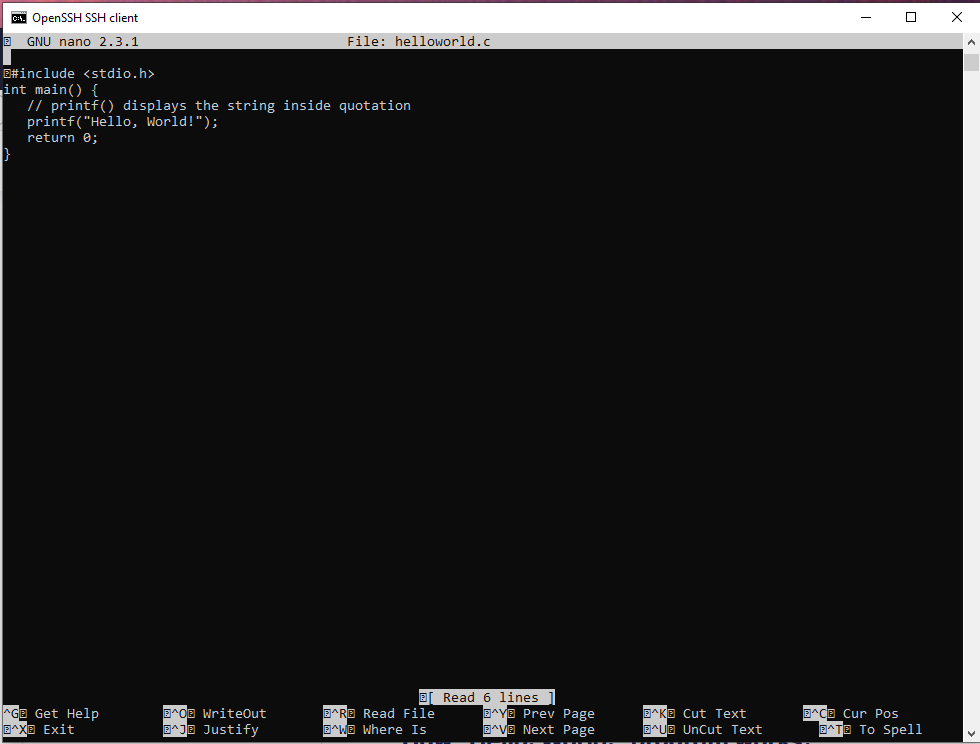
The nano editor is a good hot-key editor that has heads up help.
Hold the [Ctrl] G down at the same time to get Help.
nano < your file name >
This is a text only environment,
one you will often find in the LINUX world.
The nano editor is a good hot-key editor that has heads up help.
Hold the [Ctrl] G down at the same time to get Help.
nano < your file name >
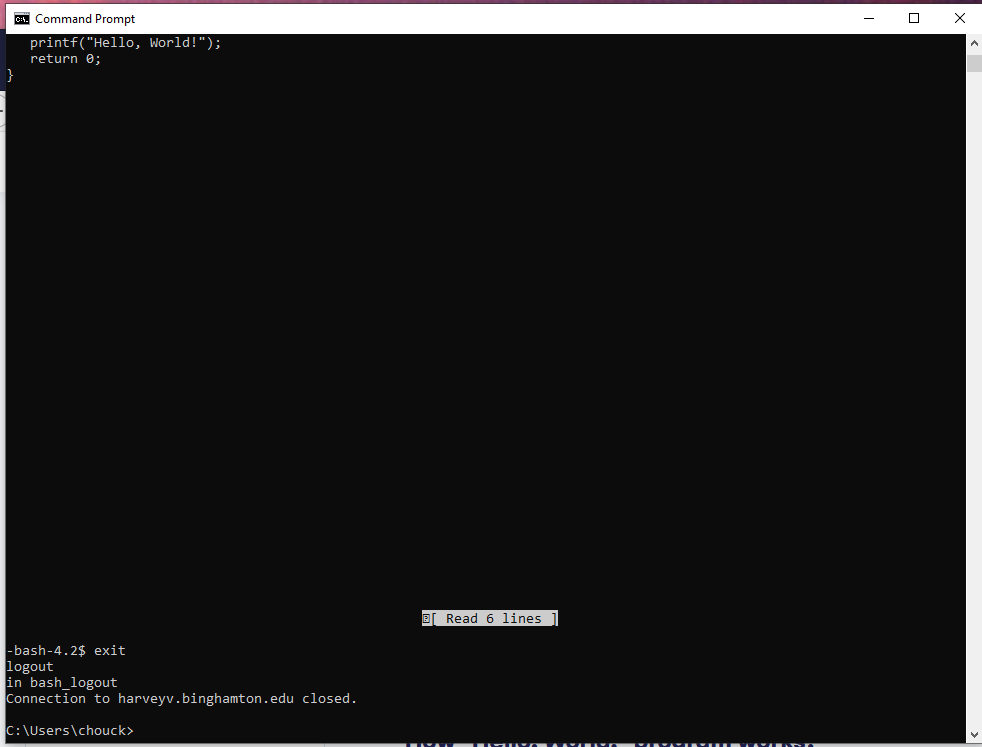 The classic editor to use is vi.
It has many useful features for searching and editing.
It is a fast learning curve for the basics.
Given your interest level new features and tricks are endless
If you use and know egrep|awk|sed|cut and a few others try vim.
/usr/bin/vim
~
~
~
~
~
~
~
~
~
~
~
~
~ VIM - Vi IMproved
~
~ version 7.4.629
~ by Bram Moolenaar et al.
~ Modified by Oracle
~ Vim is open source and freely distributable
~
~ Help poor children in Uganda!
~ type :help iccf
The classic editor to use is vi.
It has many useful features for searching and editing.
It is a fast learning curve for the basics.
Given your interest level new features and tricks are endless
If you use and know egrep|awk|sed|cut and a few others try vim.
/usr/bin/vim
~
~
~
~
~
~
~
~
~
~
~
~
~ VIM - Vi IMproved
~
~ version 7.4.629
~ by Bram Moolenaar et al.
~ Modified by Oracle
~ Vim is open source and freely distributable
~
~ Help poor children in Uganda!
~ type :help iccf